Media Services
Our Media Services Team is committed to providing digital media support and resources to our campus community. Our experience and attention to detail produce clear and effective messages for our audiences.
Contact us at ats-multimedia@csulb.edu

Available to CSULB staff and faculty for university-based projects, our team can handle:
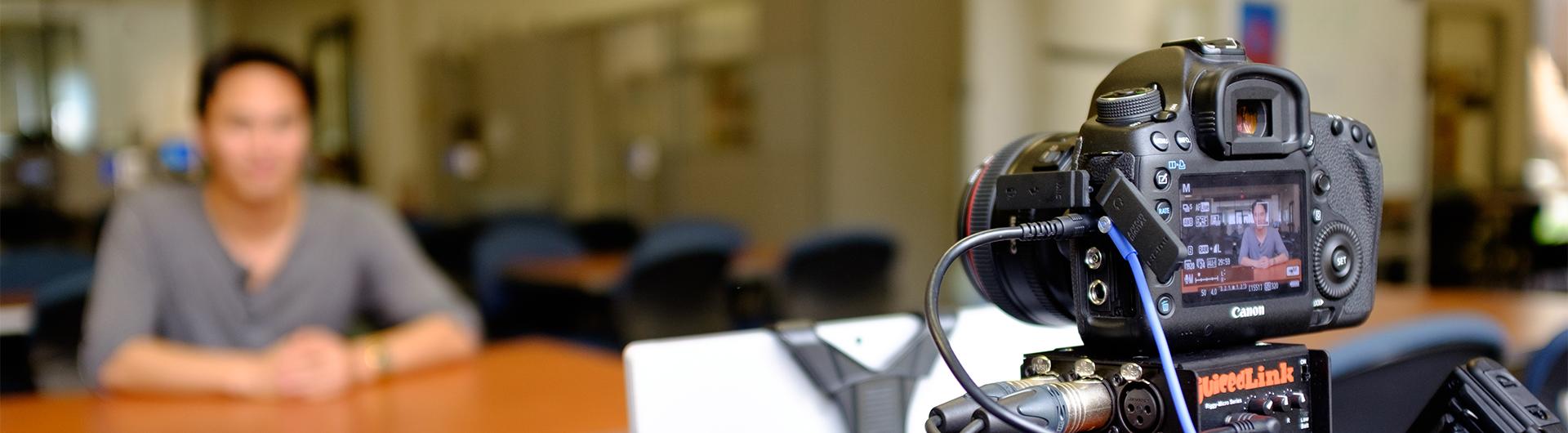
- Video Production: scripting, staging, shooting, and editing
- Audio: recording, editing
- Lecture capture and recording on the Learning Glass
- Photography: campus shots, studio portraits, retouching, manipulation
We're well-versed in making sure your final product meets your vision and will be available to its intended audience.
We provide one-on-one and small group consultations and can assist you with a wide range of questions about how to create and manage your media products.