Video Project Carts
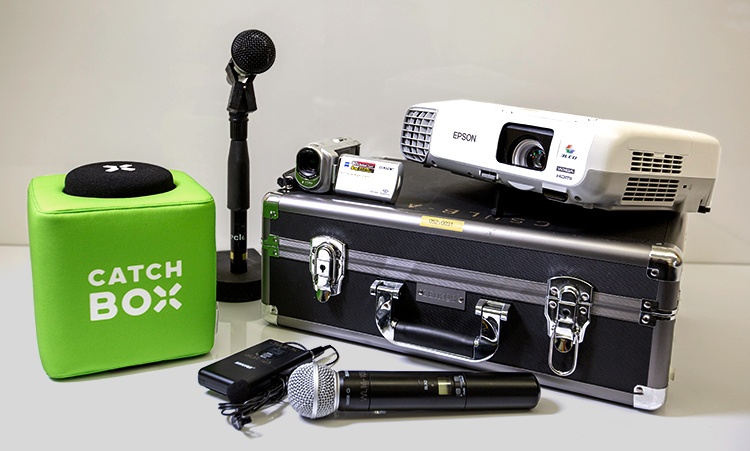
Video Projector carts consist of:
- A video projector and speakers
- A VCR
- A DVD player
These are mounted on a "Power Cart". A Power Cart has a power strip attached to the back. The Video Projector, VCR, and DVD Player are all plugged into the power strip. The power strip is then plugged into the wall outlet.
The Video Projector
- If you are using a computer, plug your VGA cable to your computer and connect it to the projector.
- The On/Off Power button for the video projector is on the top of the projector.
- Once you plug your computer into the projector, if the computer is not recognized click the Source Search button.
- If you are using the VCR to play a VHS video tape, push the Source Search
- If you are using DVD Player, push the Source Search
Graphic designs by Chris Brocoff, CSULB art major. Copyright, 2010.